build-it: Shoot your (screen)shot
I love tools that shave a couple of seconds off my process - it is probably fair to say I do not ascribe to the “Is It Worth the Time?” mantra of xkcd but we all have our foibles I guess.
In that vein, one feature I love is alfreds clipboard history which allows me to cycle through previous copies - I love this so much I even found a Samsung equivalent to use the clipboard with their edge panel.
The gap however is when I’m working in an environment what requires lots of screenshot sharing - I like shottr for quick screenshots - I do not want to have to move all my screenshots through my clipboard however so I built a small alfred workflow to allow me to cycle through my recent downloads and screenshots and paste where I am. This build on a previously using a global shortcut to open my screenshots folder.
Here it is in action:
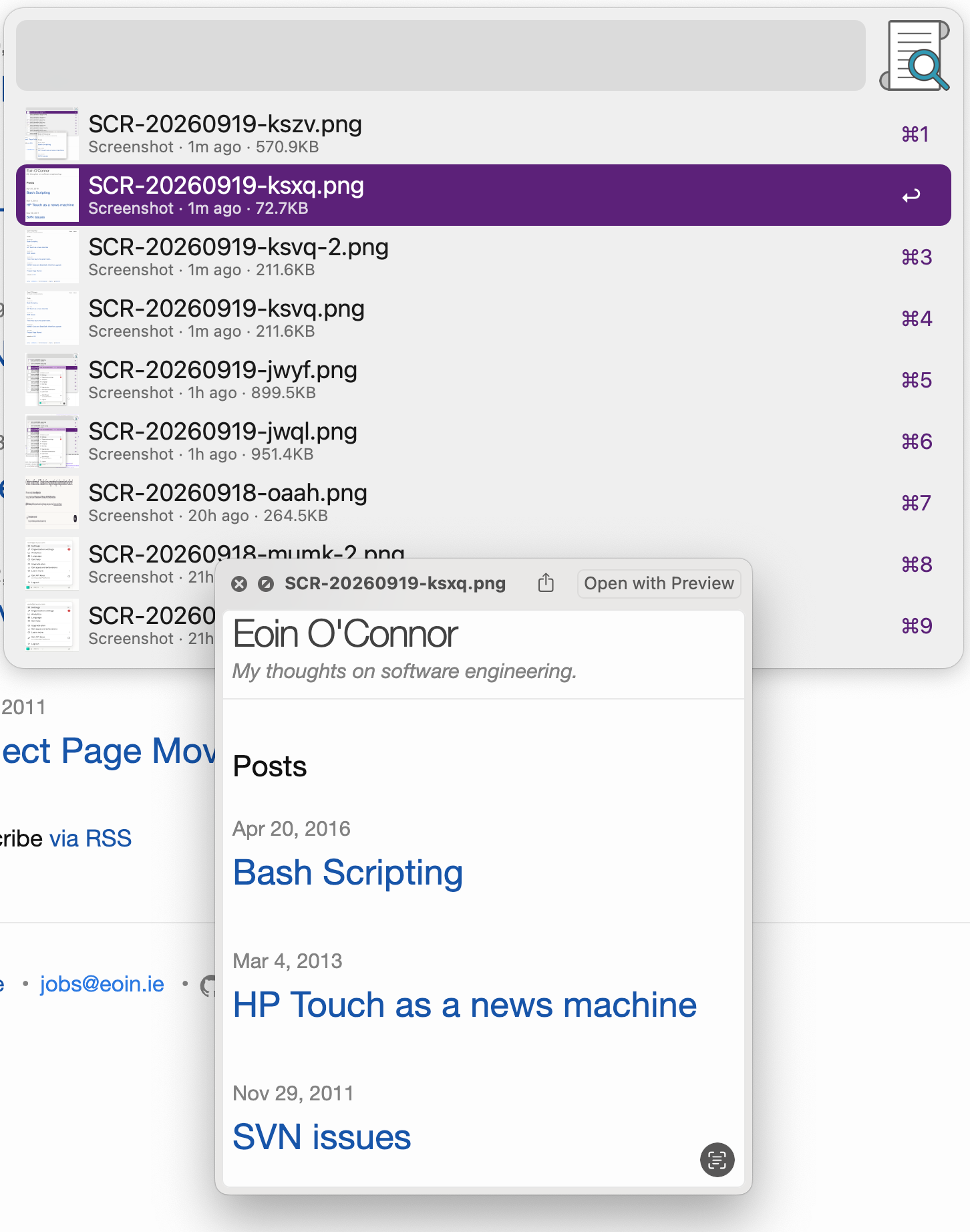
I like it so far and have been inflicting much more images on my co-workers as a result.